What ESP means in Arena Breakout: Infinite
ESP — extra sensory perception overlays — is the most searched visual tool in Arena Breakout Infinite cheats. In practical terms, ESP answers questions your eyes alone cannot answer through walls, floors, and dense industrial clutter: Is an operator holding the stairwell? Are bots stacking behind the crate line? Is that loot pile worth the animation time before extract?
Arena Breakout: Infinite mixes PvP pressure with PvE noise. Without clear separation between players and bots/NPCs, every silhouette feels like a squad fight. ABI Cheats ESP is built around that loop: player ESP for real operators, bots/NPCs ESP for AI threats, health indicators for fight-state decisions, and loot / container overlays for scavenging routes. This guide explains how those layers work together so you can evaluate overlays before you buy ABI cheats or ABI hacks.
Player ESP: reading operators through cover
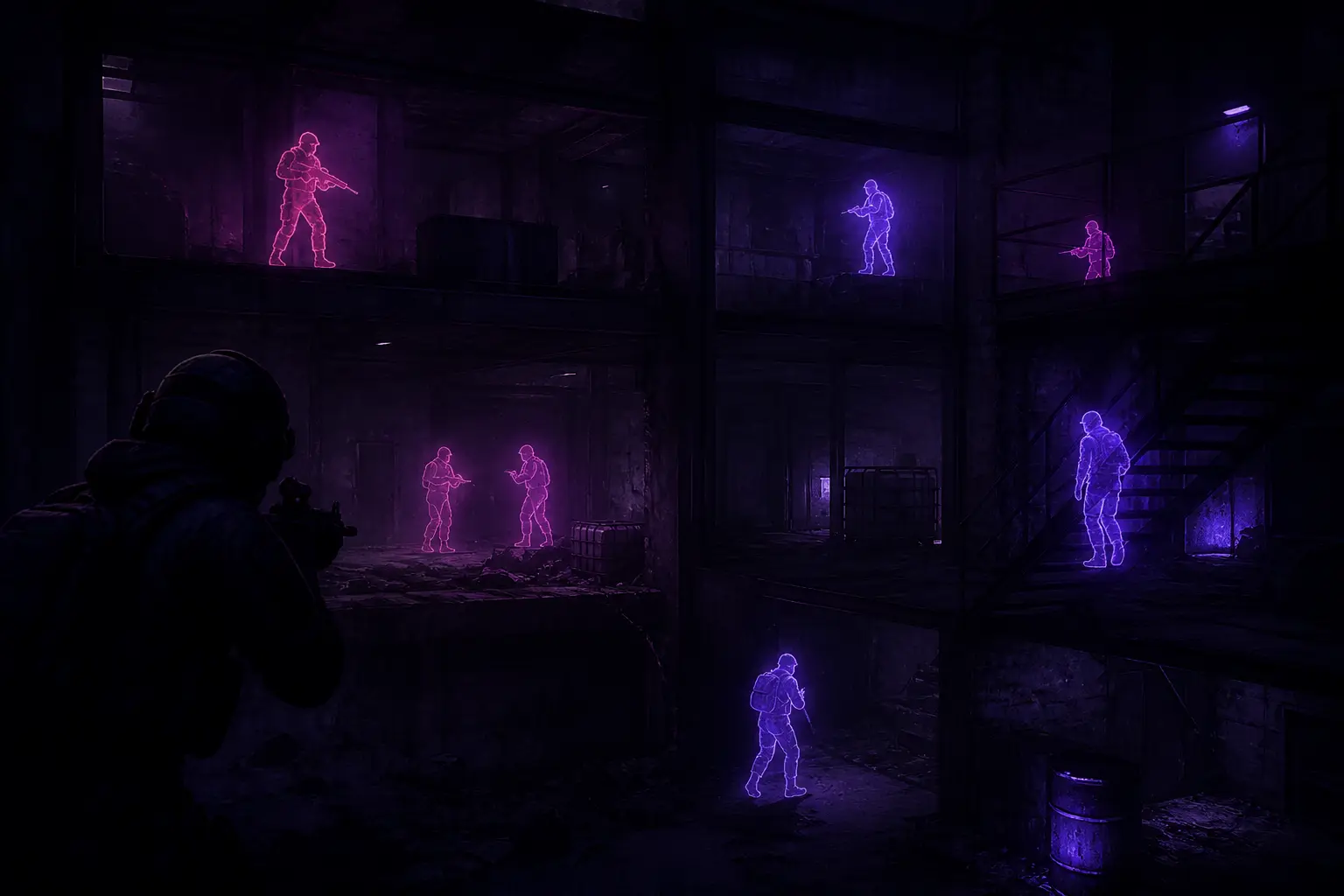
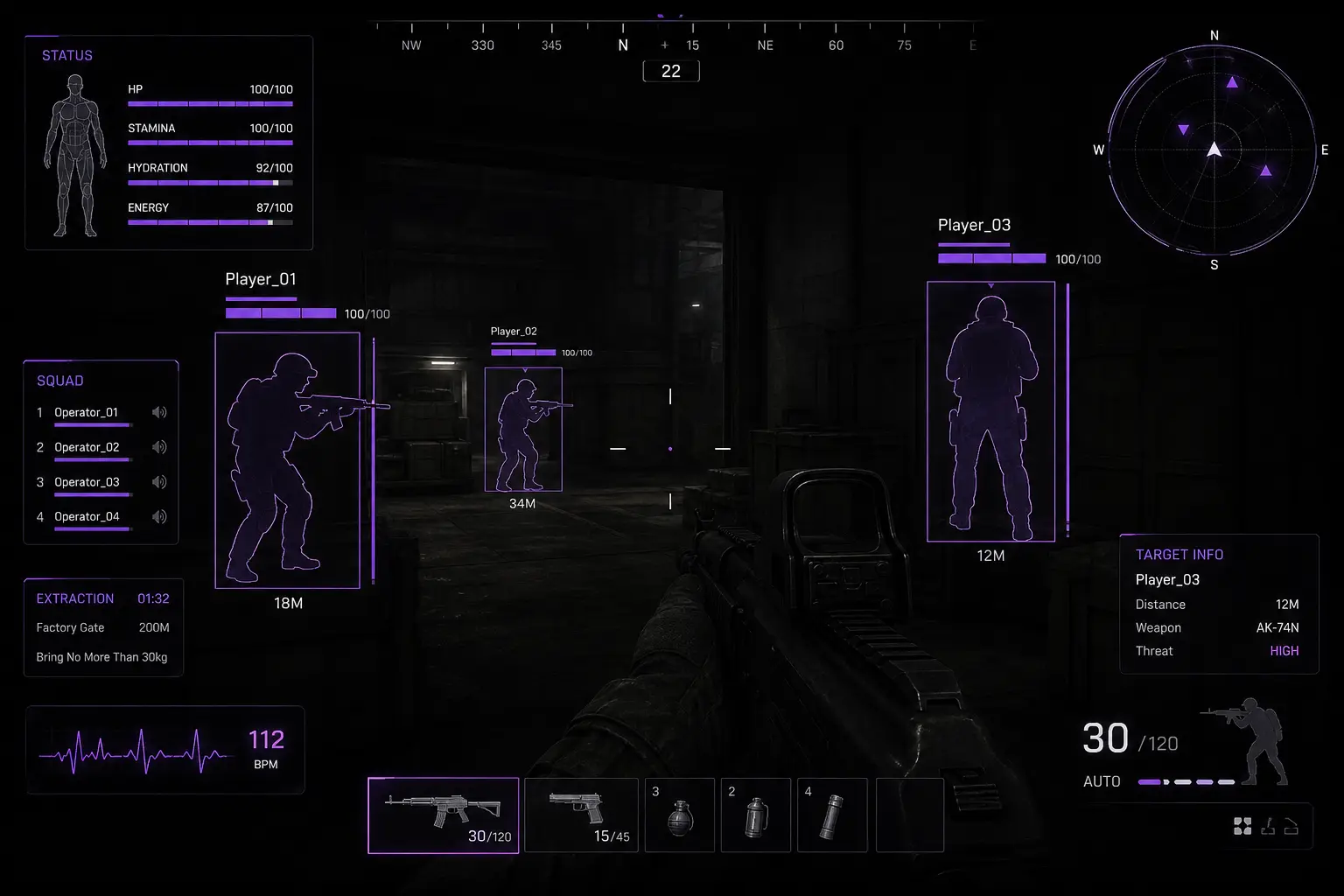
Player ESP surfaces operator positions through walls and cover with distance context. That distance readout is not decoration — it decides whether you hold an angle, pre-aim a doorway, or rotate before a third party arrives. In close quarters, a short distance number tells you the swing is imminent. On longer rotates, a far marker lets you disengage without guessing whether the threat is still on your floor.
Good player ESP habits start with restraint. Turning every filter to maximum range can clutter the HUD when multiple squads rotate through the same POI. Many operators keep a wider range while moving across open ground, then tighten distance filters when clearing apartments, warehouses, or extract buildings. The goal is readable threat awareness, not a Christmas tree of markers.
Wall penetration awareness pairs with player ESP on contested angles. Knowing someone is behind a soft wall changes whether you hold, nade, or leave. Combined with health indicators, you can tell whether an enemy is already cracked from a prior fight or still full before you commit a push. Those fight-state reads matter most in third-party chaos after a noisy mid-map clash.
Bots/NPCs ESP: separating AI from squads
Bots and NPCs create constant audio and movement noise in Arena Breakout: Infinite. Without bots/NPCs ESP, operators waste time treating every footstep like a player push. Distinct AI overlays let you clear PvE threats quickly when they block a path, while saving attention for real operators who can end a raid.
Use bots/NPCs ESP as a triage tool. If an AI pack is between you and an extract and player ESP is clean, you can clear or path around with confidence. If player ESP shows a squad on the same side of the building, bots become secondary — your priority shifts to angle control and timing. That mental split is the real value of dual ESP layers, not just “more boxes on screen.”
Health indicators and fight-state decisions
Health indicators help before you swing. A low-health operator behind a door is a different risk than a full-health duo holding crossfire. In extract holds, health reads tell you whether to force a finish or reset for kit preservation. During mid-raid looting, they warn you that a cracked third party may still be nearby even if audio goes quiet.
Combine health with distance. A cracked player at five meters is urgent. A cracked player at eighty meters might be bait for a trap or simply disengaging. ESP does not replace judgment — it gives you cleaner inputs so judgment has less noise.
Loot display & container ESP
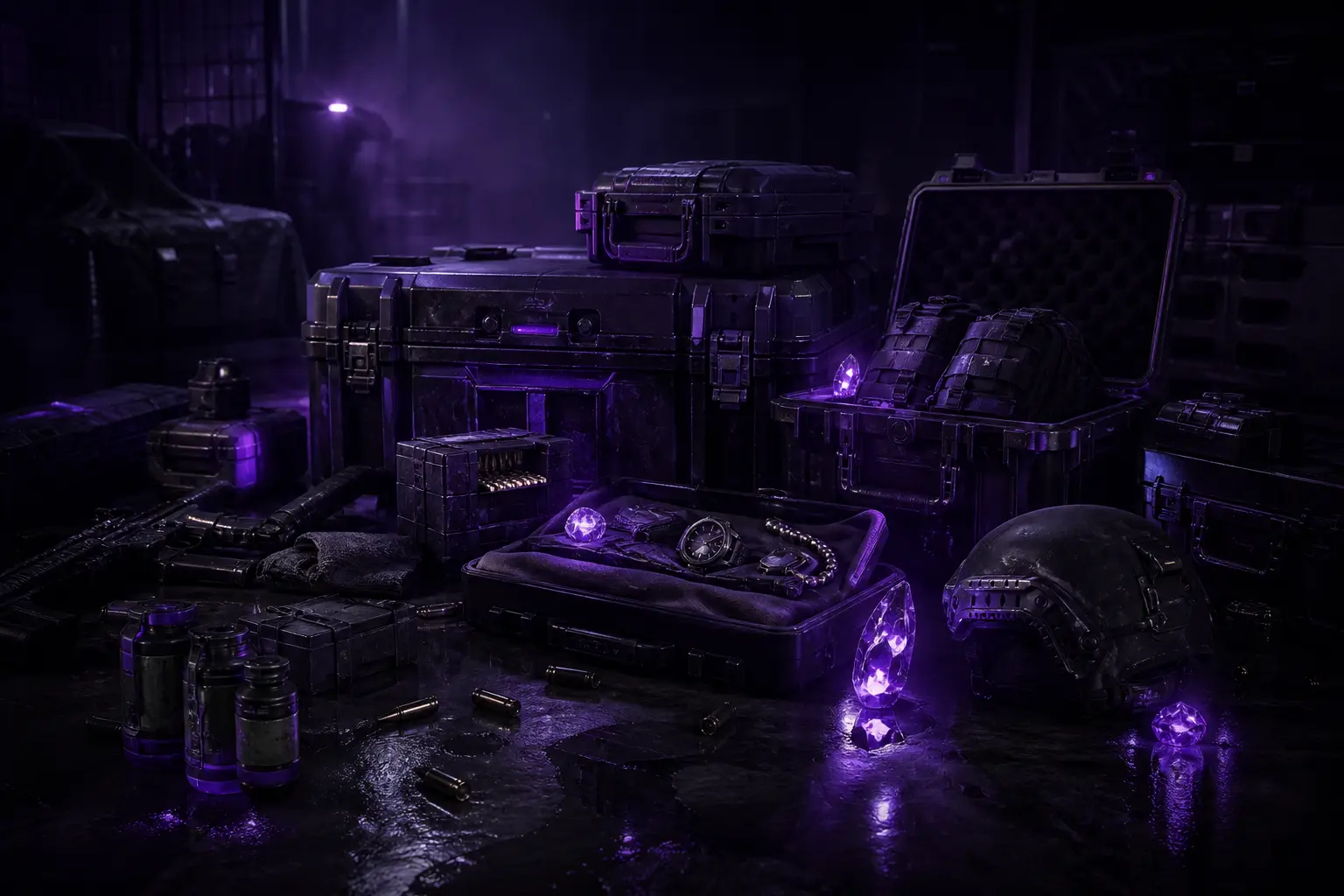
Loot tools decide raid economy. Loot display surfaces valuables before you commit open animations. Container ESP marks crates and lootable objects on your route so you skip empty rooms. Item rarity colors push high-tier gear forward while lower-priority clutter fades. Distance filters cut noise when a building is dense with interactables.
- Loot Display for valuables before you commit animation time
- Containers ESP for crates and lootable objects on your route
- Item rarity colors so high-tier gear stands out first
- Distance filter to cut clutter during building clears
A practical scavenging loop looks like this: approach a POI with player ESP confirming the area is clear or known, scan container ESP for crates worth the path, use rarity colors to prioritize, loot what fits your carry plan, then re-check player ESP before you leave. That rhythm reduces the classic mistake — head-down looting while a squad walks into the same room.
Distance filters, colors, and stream-conscious setups
Customizable colors matter on Arena Breakout Infinite maps that swing between purple-lit interiors and bright outdoor lanes. Markers that look perfect indoors can wash out outside. Tune colors once for your monitor and revisit after big visual patches. Distance filters should match the activity: wide for rotates, tight for CQC, moderate for mid-loot building clears.
If you capture gameplay, stream-proof display modes help keep overlays off public captures while you still use them locally. Confirm your capture pipeline after any major client update. Privacy settings are part of ESP hygiene the same way filter ranges are.
How ESP fits with chams and Cloud DMA
ESP is early awareness; player chams are close-range confirmation. Many operators keep both: ESP for positions and distances, chams for silhouettes through smoke when markers alone feel thin. Read the chams guide for that pairing. If you are comparing advanced delivery paths, the Cloud DMA guide covers hosted DMA-style options without turning this ESP article into infrastructure notes.
- Players Chams with color-coded models for clearer operator reads
- Bots/NPCs ESP to separate AI enemies from real operators
- Health indicators for fight-state decisions before you push
- Wall penetration awareness for contested angles and extracts
- Customizable colors tuned for dark interiors and open maps
Common ESP mistakes in ABI raids
First mistake: max range forever. You will miss nearby threats in visual clutter. Second: ignoring bots/NPCs separation and treating every marker as a player. Third: looting with ESP off your attention — overlays only help if you glance between animations. Fourth: never retuning colors after a monitor or gamma change. Fifth: buying without reading feature scope — ABI Cheats is specialized for Arena Breakout: Infinite, not a random multi-title ESP dump.
After patches, expect brief update windows. Regular updates and lifetime updates access exist because the game changes. If something looks off after a client patch, check support and avoid assuming the overlay is “broken forever” during the first hours of a big update.
Evaluating ABI Cheats ESP before you buy
Use this checklist: Do you need player ESP and bots/NPCs ESP separately? Do health indicators matter for your fight style? Do loot and container ESP change how you route POIs? Are distance filters and colors flexible enough for your maps? If yes, compare monthly vs lifetime on Buy ABI Cheats, skim the cheats features page, or the hacks overview if that matches your search language.
More guides live on the ABI Cheats blog. Questions go to support@abicheats.com. When you are ready, checkout is the same path for buy ABI cheats and buy Arena Breakout Infinite cheats.