Why max range is a trap
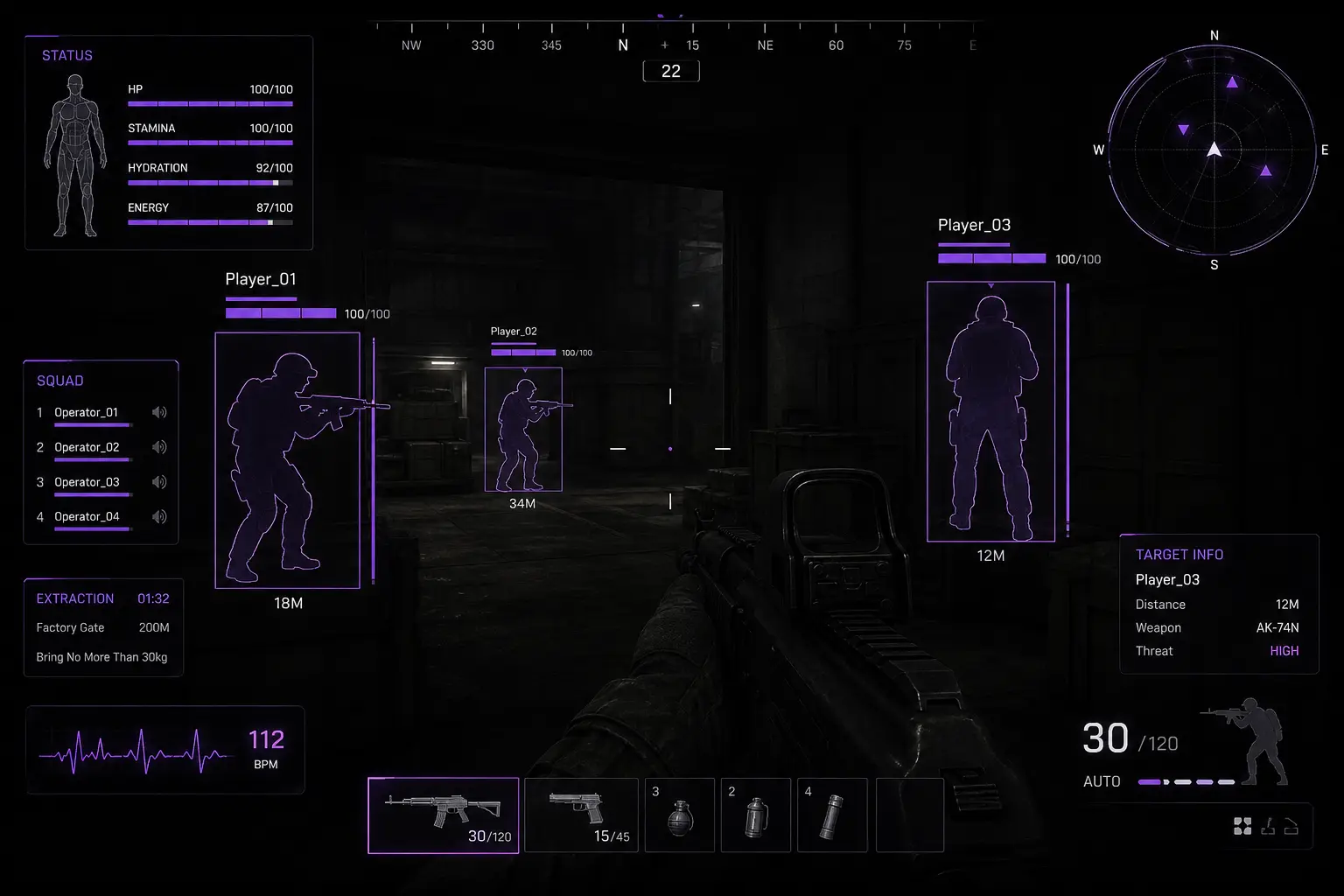
New buyers often open every distance filter to the limit. The HUD fills with operators, bots, and crates you cannot act on yet. In CQC you miss the five-meter swing because a sixty-meter marker stole your eye. Distance filters exist so overlays match the job: rotate, clear, loot, or extract — not “show everything always.”
ABI Cheats gives you the knobs; you still need profiles. Think in two defaults — building and open map — then tweak per raid type. Feature definitions for ESP layers live in the ESP guide; this article is the tuning pass.
Building profile: apartments, warehouses, extract shells
Indoors, tighten player ESP so same-floor and adjacent-floor threats dominate. Keep bots/NPCs ESP short enough that hallway packs are visible without lighting the entire block. Container ESP should mark crates on your current clear path, not every interactable three buildings over.
- Player ESP: short-to-moderate — prioritize swing distance
- Bots/NPCs ESP: short — AI in your lane only
- Container / loot distance: moderate — current structure
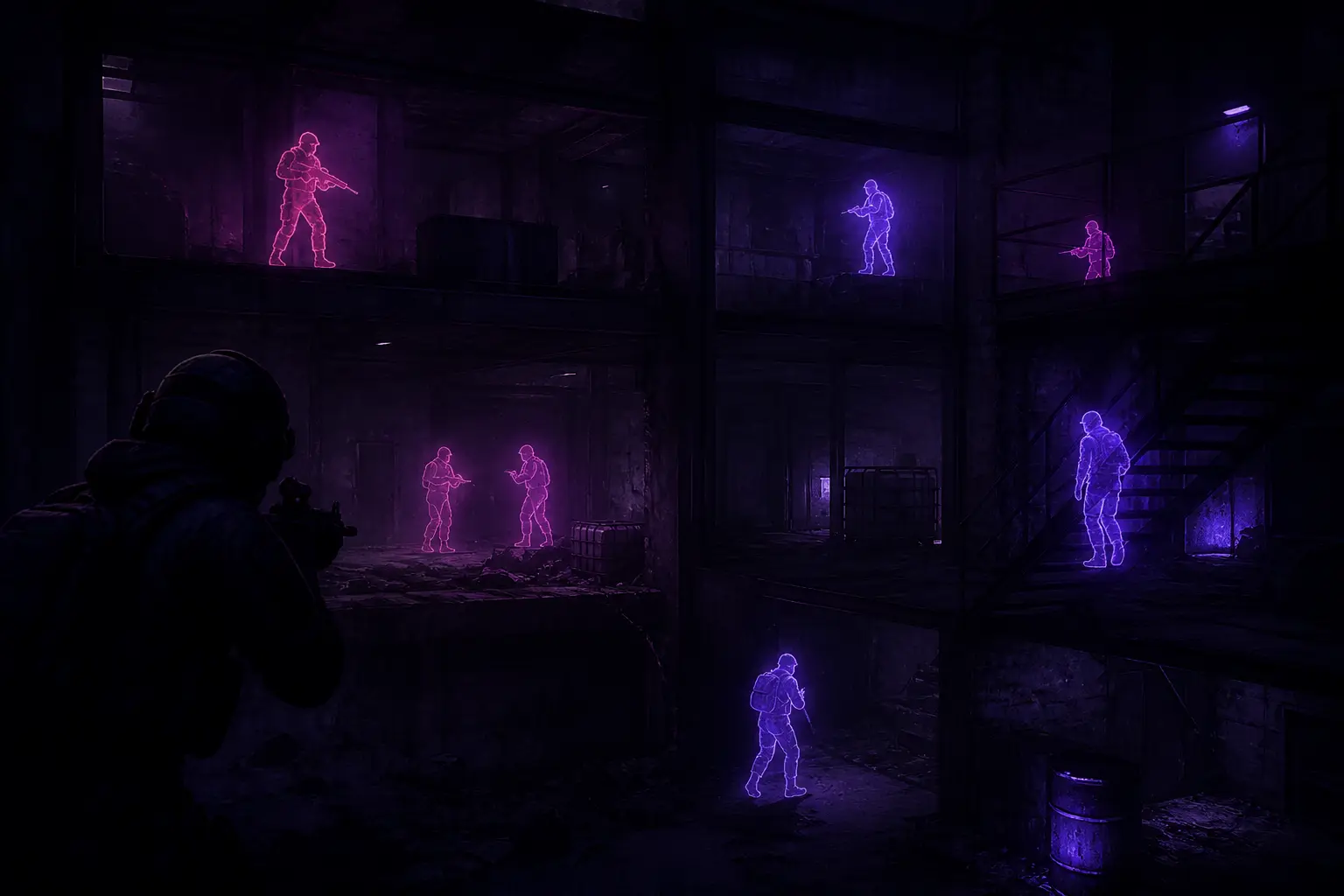
- Chams: strong readability; they matter most in CQC and smoke
When you push stairs, a tight player filter plus chams beats a wide filter that paints the whole POI. Chams habits are in the chams guide. AI triage belongs in bots & NPC ESP.
Open map profile: rotates, compounds, long lanes
Outside, widen player ESP so you catch rotates before you commit across open ground. Moderate bots/NPCs range helps you avoid walking into courtyard packs. Loot and container filters can stay wider when you are choosing the next structure — then clamp them the moment you enter.
Do not keep the open profile after you breach a building. The classic mistake is rotating with wide filters, then fighting indoors with the same settings until the HUD is unreadable. Swap profiles at the door like you swap mags.
- Wide player ESP while crossing lanes
- Re-check third parties before compound entry
- Clamp filters as soon as you hit interior CQC
- Widen again only when you leave for extract rotates
Custom colors that survive ABI lighting
Arena Breakout: Infinite swings between purple-lit interiors and harsh outdoor brightness. Markers that pop indoors can wash out outside. Pick high-contrast player colors, a clearly different AI color, and loot/rarity tones that do not collide with player markers. If rarity purple fights your ESP purple, change one of them — your eyes should never guess which layer fired.
Retune after monitor changes, HDR toggles, or big visual patches. Streamers should also confirm stream-proof modes still hide overlays in capture after color edits — see stream-proof guide.
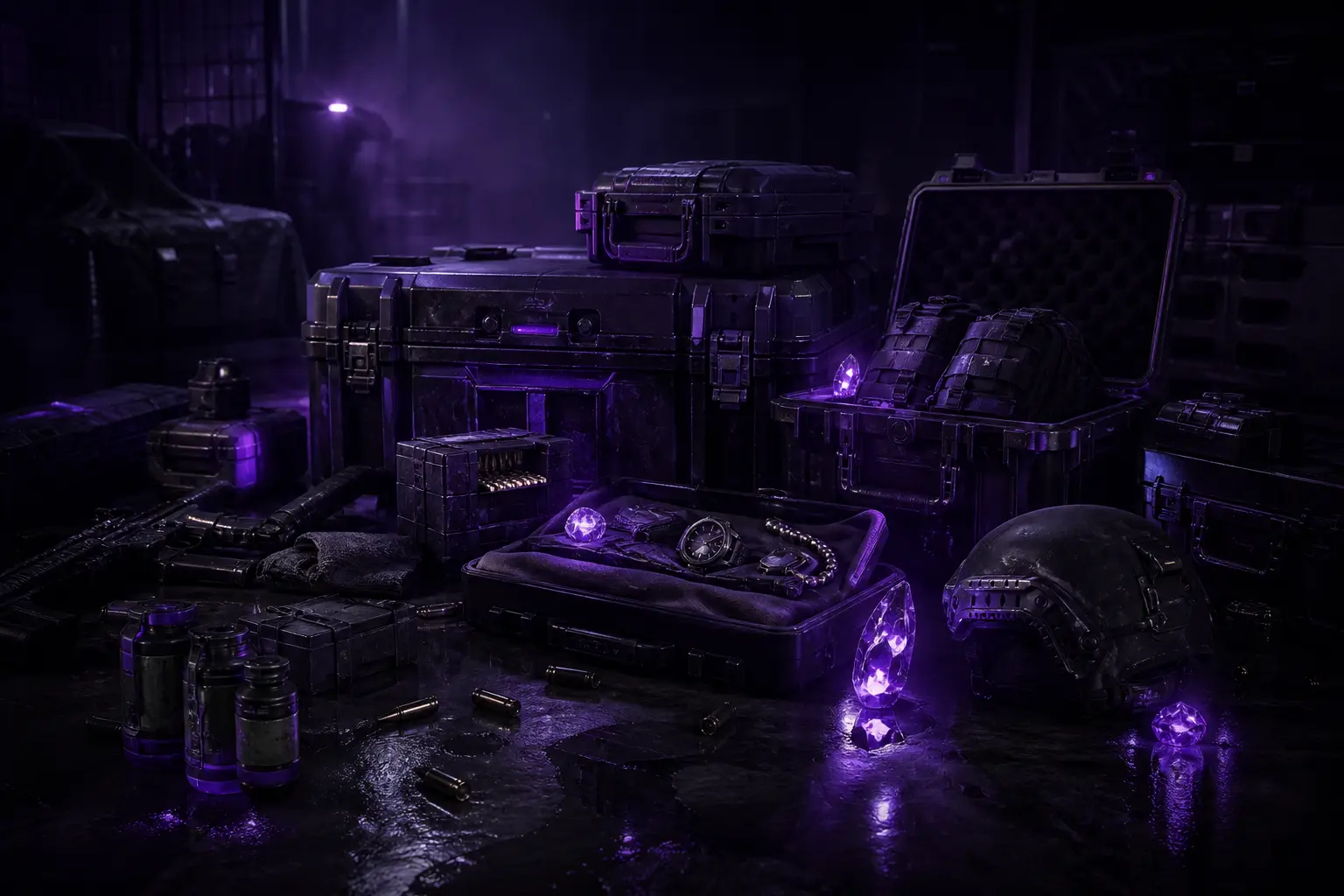
- Loot Display for valuables before you commit animation time
- Containers ESP for crates and lootable objects on your route
- Item rarity colors so high-tier gear stands out first
- Distance filter to cut clutter during building clears
Loot filters: dense POIs vs sparse routes
Dense loot buildings need tighter container distance or you will path like a vacuum. Sparse industrial routes can use wider container reads to pick the next warehouse. Rarity colors should stay consistent across both profiles so your brain does not relearn priority mid-raid. Skip logic when boxes are not worth the risk is covered in the loot ESP guide.
Extract profile: last minutes
Near extract, favor player ESP and chams over wide loot filters. You are defending kit value, not shopping. Tighten container range so you are not tempted into “one more crate” off the extract lane. If wall awareness matters for the hold building, keep it, but do not spray every soft wall because a marker exists — discipline notes are in the wallhack guide and extract with ESP.
Beginner enable order still matters
Filters only help if you enable layers in a readable order. Chams and health first for fight state, then player ESP, then loot filters. Full sequence: beginner setup checklist. Visual feature list for shopping:
- Players Chams with color-coded models for clearer operator reads
- Bots/NPCs ESP to separate AI enemies from real operators
- Health indicators for fight-state decisions before you push
- Wall penetration awareness for contested angles and extracts
- Customizable colors tuned for dark interiors and open maps
Where to buy after you know your profiles
If distance filters and customizable colors are must-haves, confirm them on Arena Breakout Infinite cheats and purchase at Buy ABI Cheats. Pre-checkout questions: how to buy ABI cheats. Advanced delivery: Cloud DMA guide. Support: support@abicheats.com. More on the blog.